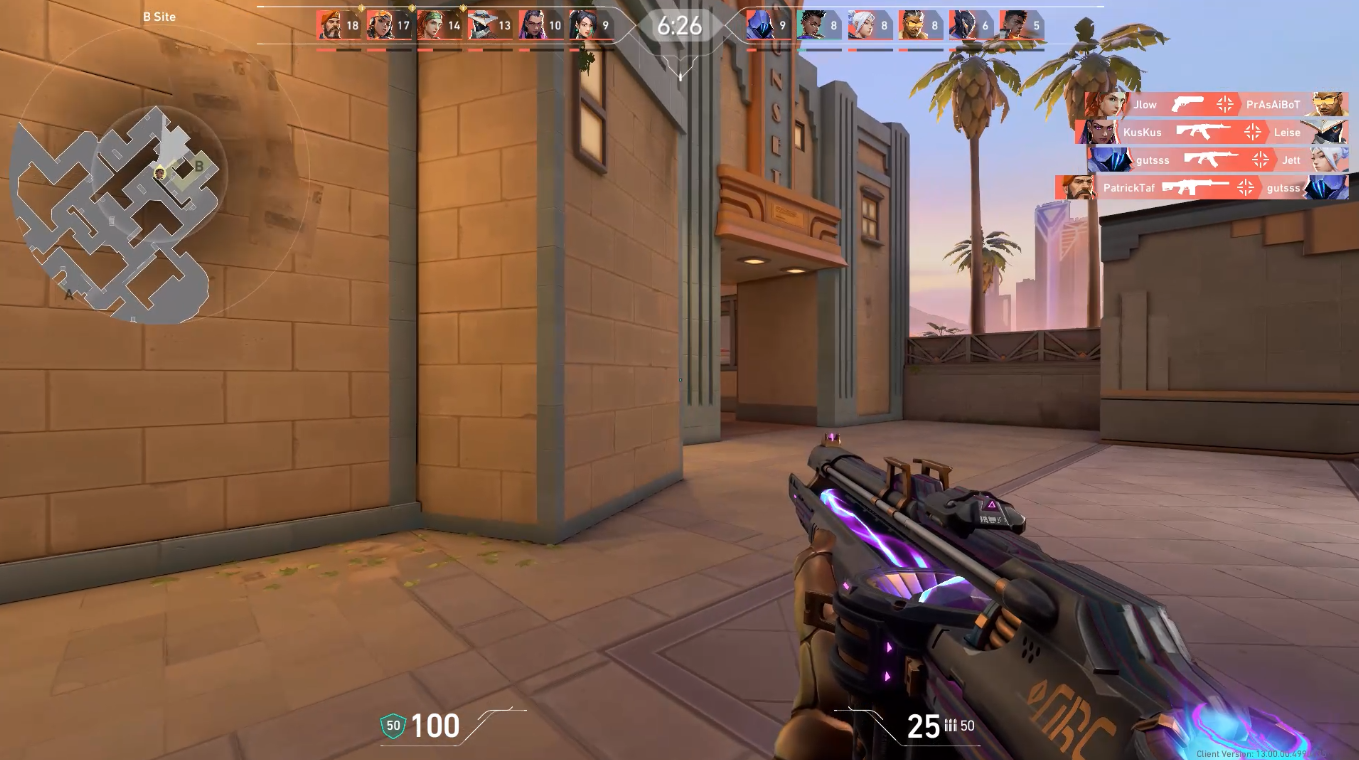
Always-on instant replay
Wisp keeps the last minutes buffered in the background, so your amazing plays are a click away from being saved.
Game clips for Windows
Wisp records your last plays in the background, then saves the highlight with one hotkey. Light on your system.
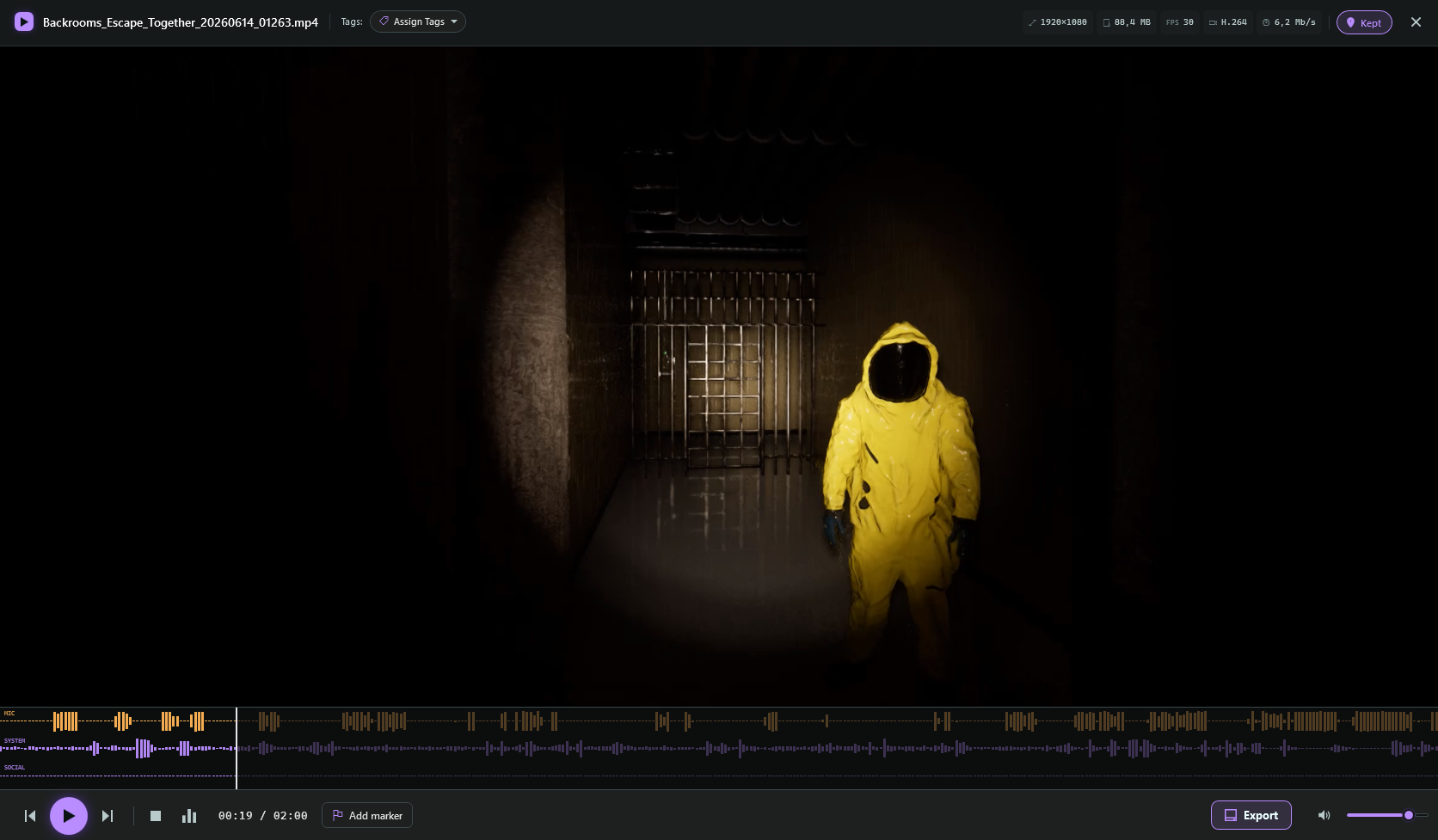
Share clips straight to the apps you already use


A small recorder that stays out of the way until the second you need it.
Wisp keeps the last minutes buffered in the background, so your amazing plays are a click away from being saved.
Clips are written straight to your drive. No account, no upload, no cloud.
Wisp prioritizes being lightweight, so it doesn't impact your framerate in games.
runs quietly in the background
Every setting can be adjusted to fit your preferences. Wisp can run on any PC, from a high-end gaming rig to a modest laptop.
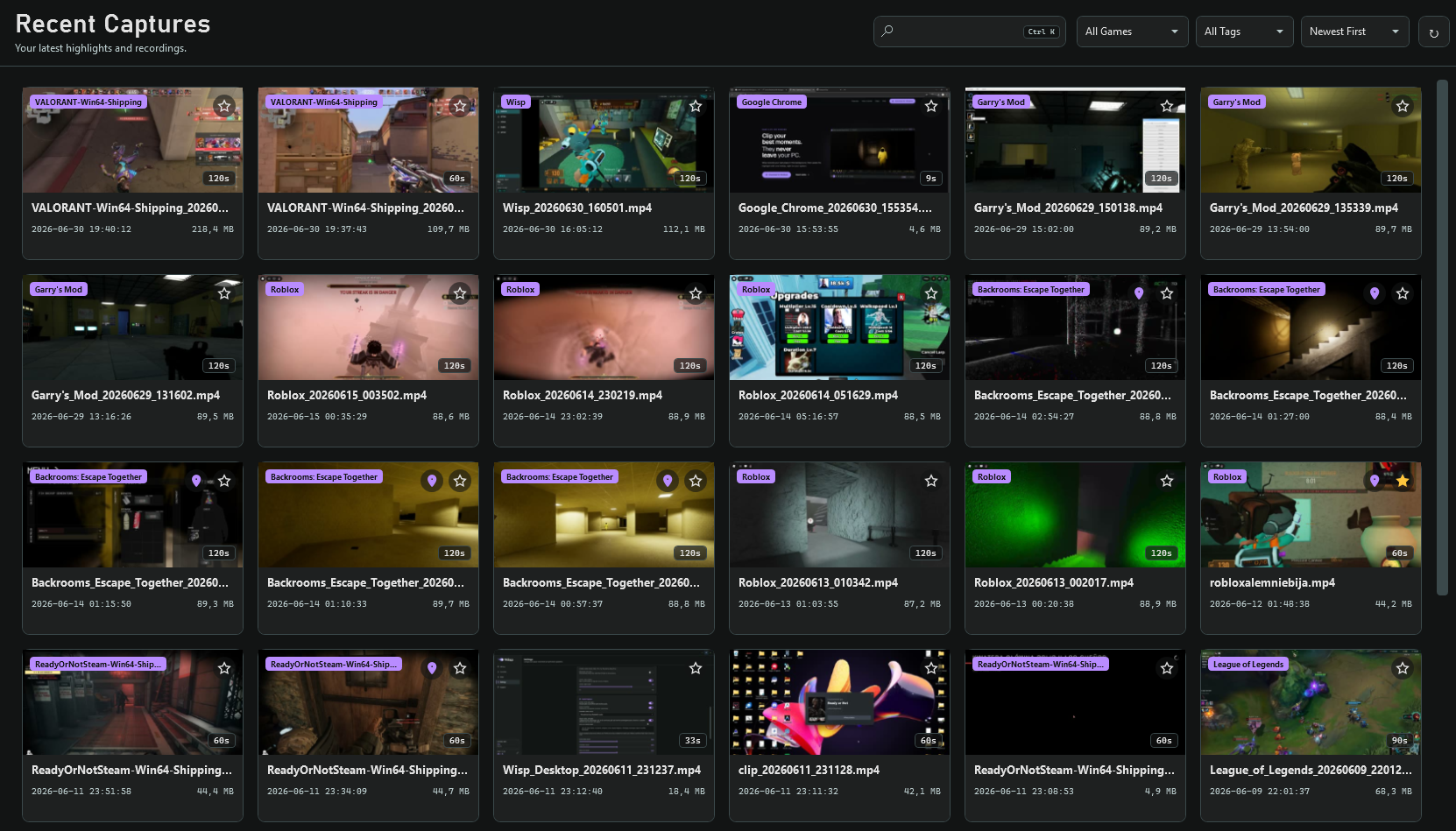
Every clip lands in one place, trimmed and ready when you want to share it.
Set it up once, then it just runs in the background while you play.
Grab the setup, run it, and you are ready in under a minute.
Pick the single key that saves your last moment.
Wisp records quietly in the background while you focus on the game.
Tap the key, then send the moment straight to your friends.
No account to make, no cloud to trust, no quiet upload running in the background. Wisp writes clips to your drive and leaves them there.
Yes. Download it, use it, and keep your clips. There is no trial timer and no account to create.
Download Wisp, set a hotkey, and your next great moment is already saved.
Free for Windows 10 and 11, 64-bit.